
A calendar for iPhone and Android
The next thing on your calendar, obvious in a second.
Type "Dinner with Sam Friday 7pm" and it's on the calendar. ChronologyCal works with the calendars already on your phone. No account, no server.

Quick add
Type a sentence. It's an event.
Say what, when and where in one line. ChronologyCal reads it, shows a live preview, and adds it to the calendar you pick.
- Days, dates and times in plain words
- Add at a place, and /Work to choose a calendar
- Prefer the full editor? Tap Edit.
Example: typing "Dinner with Sam Friday 7pm at Luigi's /Work" creates the event Dinner with Sam on Friday at 7:00 PM at Luigi's, in the Work calendar.
Three views
See it the way you think about your day.
Swipe to move around. Your calendars keep their own colors.


Widgets
The next event, without opening the app.
Widgets read your calendars directly and follow the calendars you choose to show.
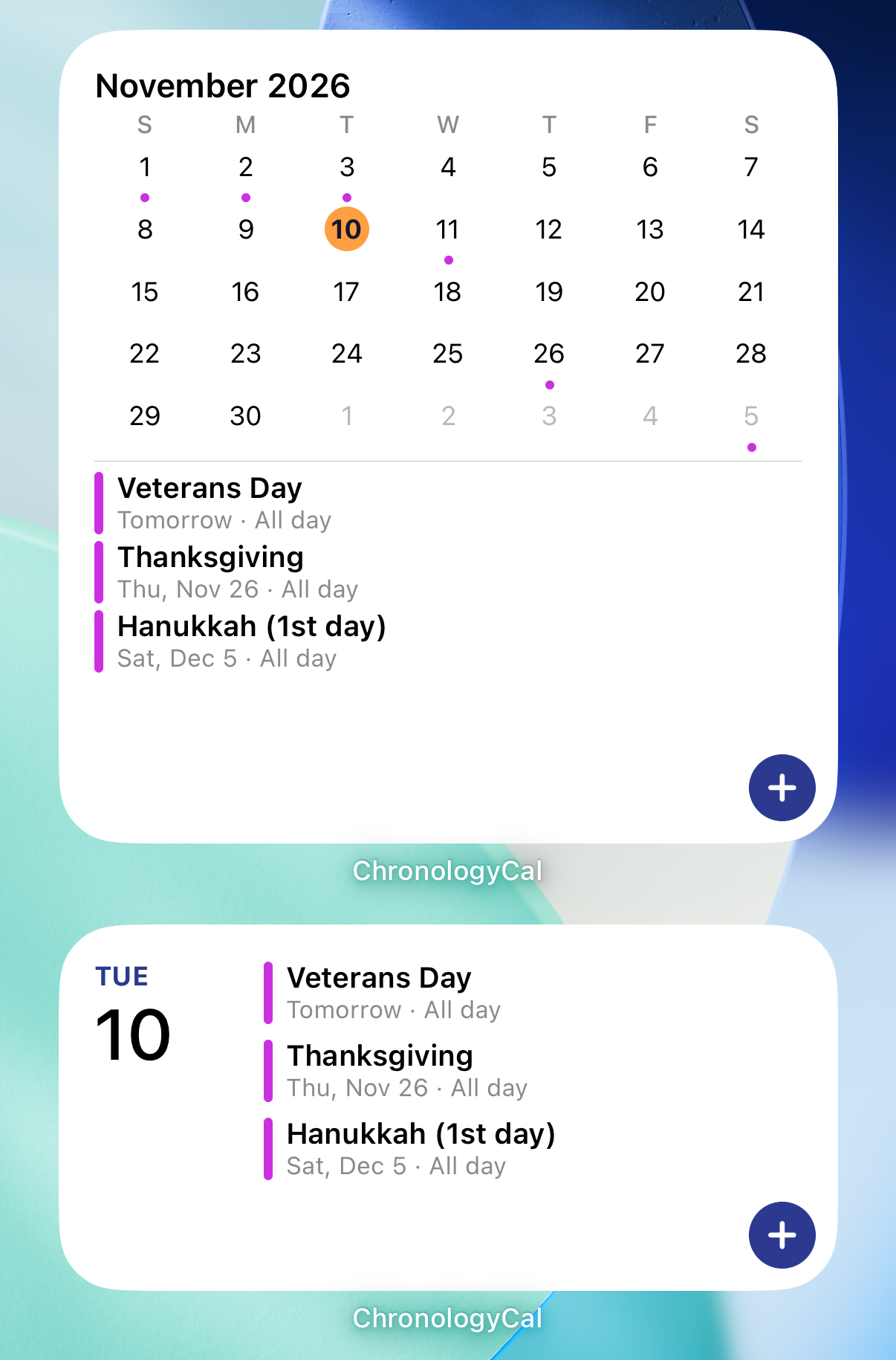
And the details that matter.
Reminders
Get notified before events at the lead times you choose: at start, minutes, hours, days or weeks before. All-day events can remind you at a time of day.
Import .ics
Pick a calendar file from Google, Outlook, Apple Calendar or anywhere else, preview it, and import it into a calendar you can edit.
Your calendars, your choice
Show or hide any calendar. Hidden calendars stay out of the views, the widgets and the reminders.
No account. No server. Your calendars stay on your phone.
ChronologyCal reads and writes the calendars already on your device, with your permission. Nothing is sent to the developer or anyone else. Read the privacy policy.